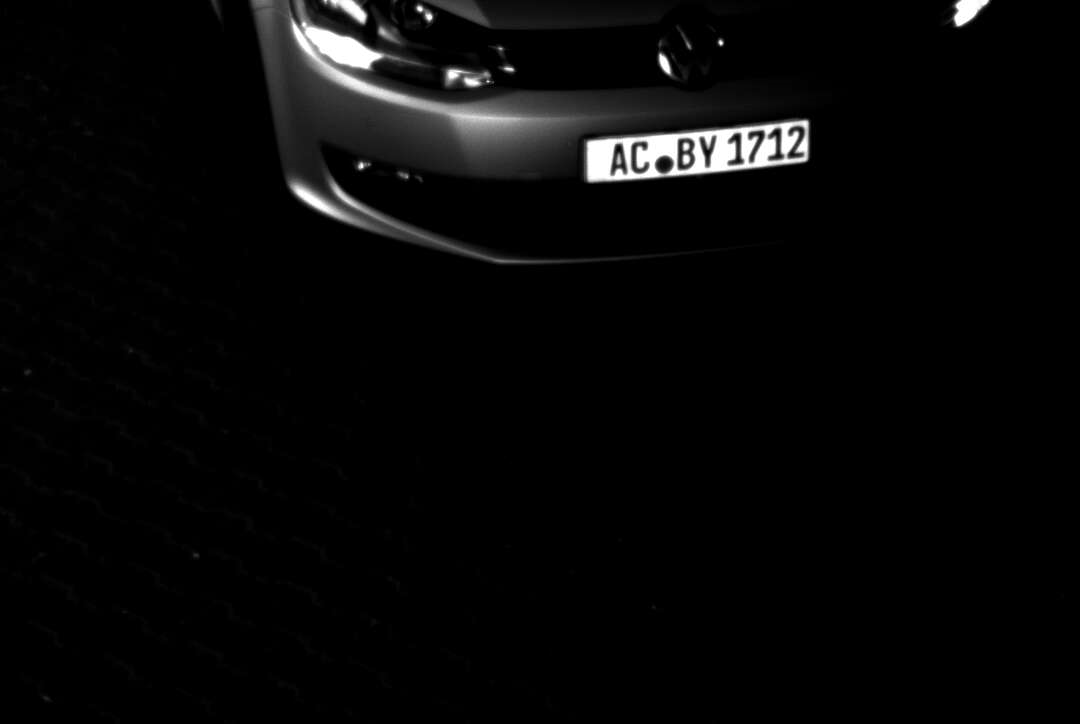
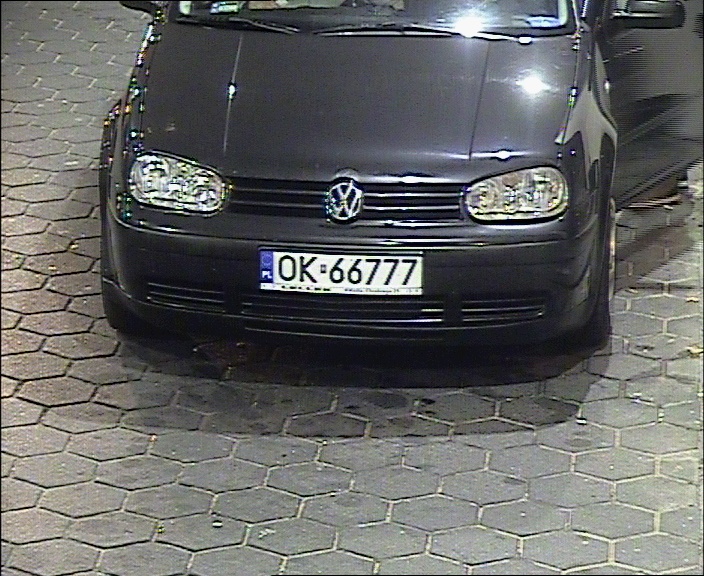
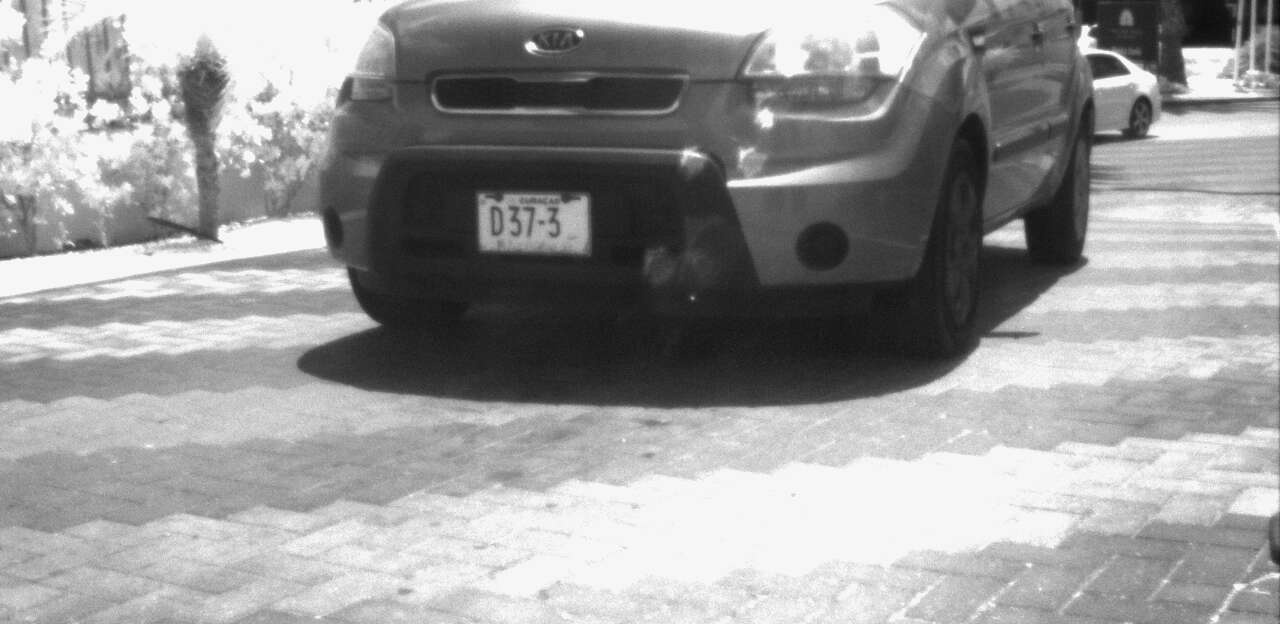
In ANPR the infrared sensor provides the images for recognition.
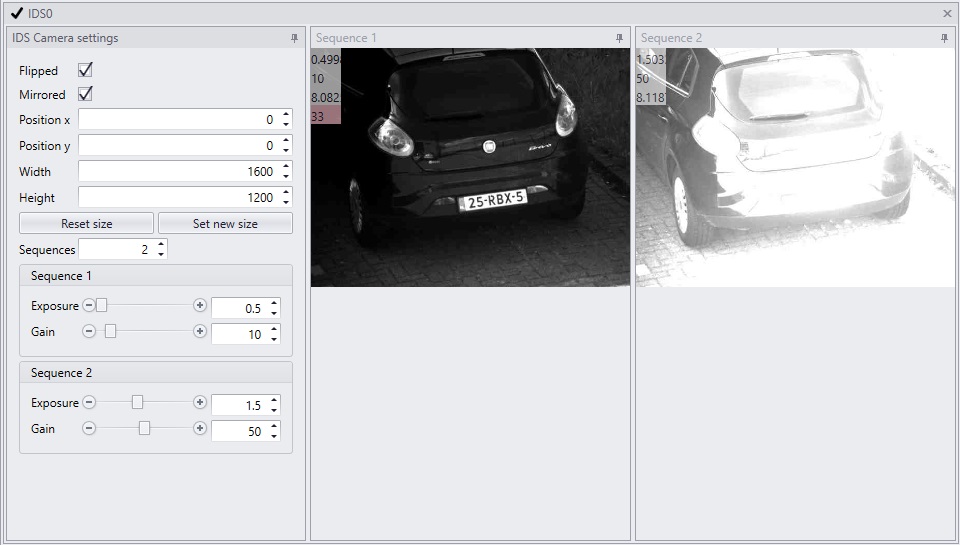
The settings of the sensor can be changed in the IDSAxon.
Default the resolution of the sensor is 1600 by 1200 pixels. This resolution enables a large viewing area where more then one license plate can be recognized. Analyzing an image with this size costs a certain amount of processing power. Frames per second is around 19. When possible the image should always be cropped by choosing a optimal Region of Interest ,ROI . It can boost framerate up to 60 fps.
Do not use the ImgCropAxon. The operations of this Axon will cost more processing power.
The benefits of ROI explained |
Less pixels to process Next to a higher framerate adjusting the region of interest by cropping has another beneficial effect. Less pixels per image speeds up recognition. Less pixels mean less processing power is needed.
Less background noise Besides that cropping minimizes the amount of random background that needs to be analyzed. To use the power of a Gatekeeper-X we only want to keep the pixels we need for recognition. Make sure the cropped area covers the complete range of positions for capturing a license plate.
Speeding cars A high framerate is desirable when recognizing speeding cars. The more frames per second the more frames are captured of one car, the better recognition works.
Higher threshold values Thresholding is the tool to correct circumstances that influence a straight forward recognition like head lights shining in the camera, license plate that are difficult to read. The threshold defines the amount of times a license plate needs to be recognized identically to become a valid Anpr result. An increase in frame rate allows for higher threshold values. The higher the threshold values the more accurate the result will be. The threshold and it’s parameters can be configured in the ANPRThresholdAxon. |
1. Selecting the region of interest |
|
|
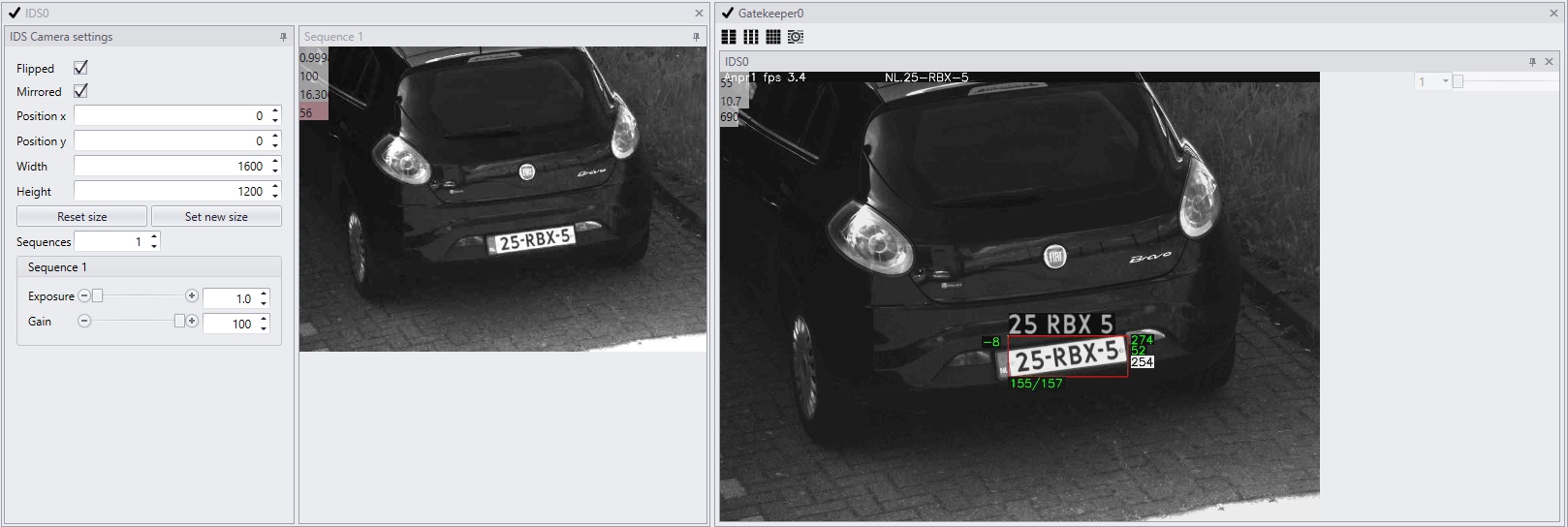
The viewpanel of the IDSAxon diplays the live view of the IR sensor. Rubber banding can be used to select an area of interest. Hold left mouse button, draw the rectangle of the desired region of interest and let go. The view of the Axon will immediately change. To reverse the crop click 'reset image size'. To save the new settings right click the Cortex in the CortexNavigator and choose save cortex.
In previous version rubberbanding is not possible. Read instructions how to do it here. |
2. Check license plate recognition in the GatekeeperAxon |
|
|
The GatekeeperAxon viewpanel (right) will show the cropped image with an ANPR overlay. To enable the overlay, right click the image and choose 'anpr'. Read more about the overlay and the meaning of the numbers here.
When the overlay is not visible the license plate is not recognised. The license plate is either too large or too small (width should be 100-350 pixels). Another reason could be, that the ANPRAxons are not configured accurately or the minimum license plate size is not set properly in the ANPRThresholdAxon.. |
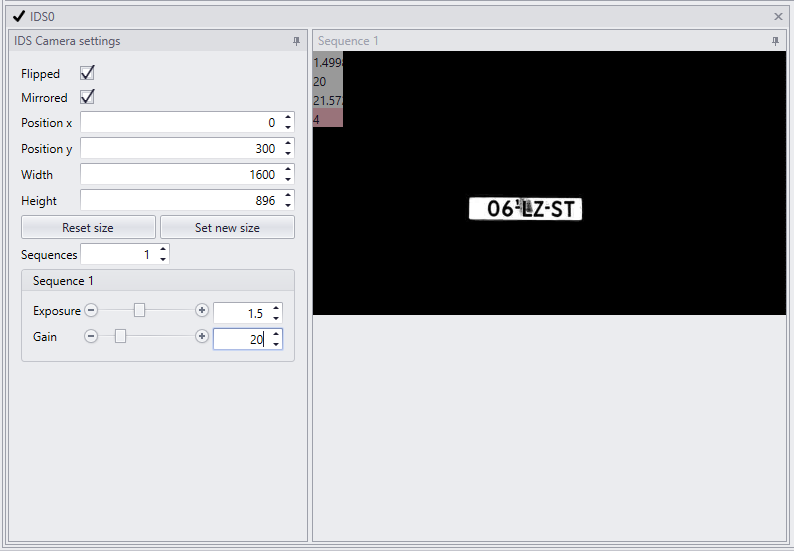
4. Some examples of cropped images |
||
|
|
|