The GatekeeperAxon is responsible to set the parameters of the motorized zoom lens, the strength of LED illumination and the Wiegand mode.
The operation of the I/O pins can be configured in this Axon as well as the Wiegand settings.
Overall this Axon controls the settings of the hardware, including the IO extender.
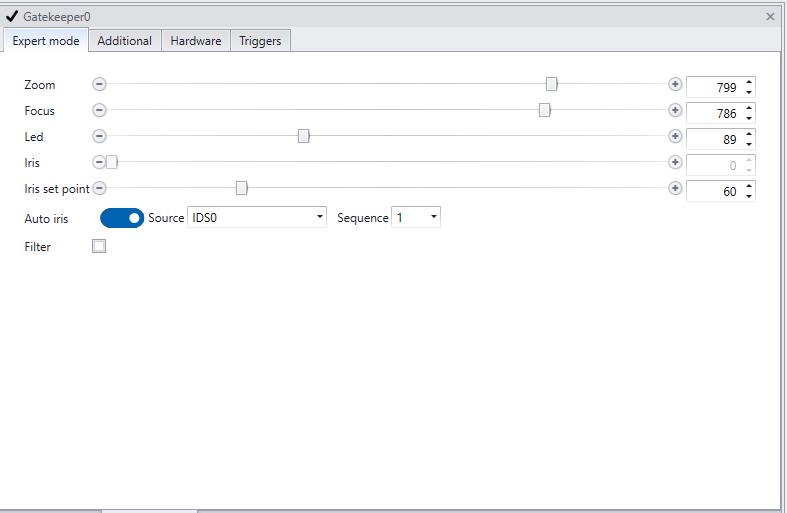
Settingspanel containing 4 tabs
|
|
|
1.Expert mode tab
In this tab the motorized zoom lens and the LED intensity can be configured.
2.Additional tab
In this tab the Wiegand mode can be set.
3.Hardware tab
In this tab model name, hardware id and build date can be found.
4.Triggers
In this tab a script can be made to trigger functionality on a predefined event.
For example:
1. To implement custom Wiegand formats or
2. Check a database for a corresponding id of a license plate before sending out a Wiegand signal to an access control system.
In order to open the viewpanel of the GatekeeperAxon, click the binocular icon of the GatekeeperAxon in CortexDesigner.
|
