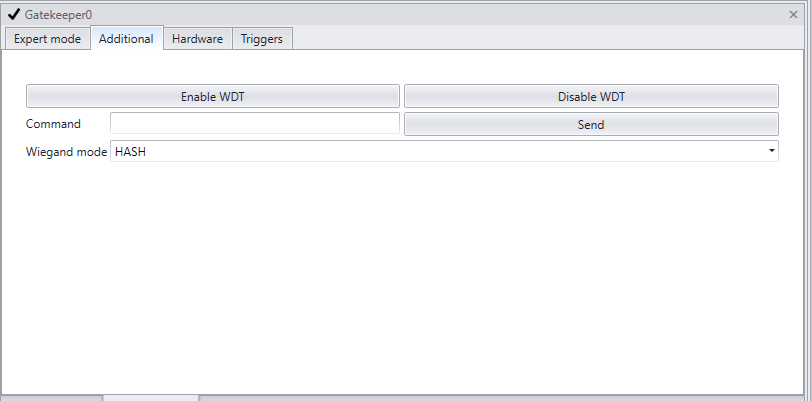
Screenshot of the additional tab |
In this tab the Wiegand mode can be set.
|
Setting |
Mode |
Description |
Wiegand mode |
NONE |
No Wiegand signal is send |
HASH |
The license plate will be hashed to 26 bit format, then translated to the Wiegand signal. The Cortex Wiegand Calculator can be download from https://avutec.com/support/ to calculate the hash of the license plate. |
|
DATABASE |
A corresponding id of a license plate stored in a database is used for the Wiegand signal. |
|
Command |
In this field the command "test io" can be entered. It will set the pins high in the back of the Gatekeeper. Without extender it will set the pins to 3.3 volt for the duration set in de triggers tab. With IO extender it will set the pins to 5 volt for 1 seconds for the duration set in de triggers tab.
|
|
*custom Wiegand formats can be scripted in the triggers tab of the GatekeeperAxon. |
2. Wiegand Calculator |
|
|
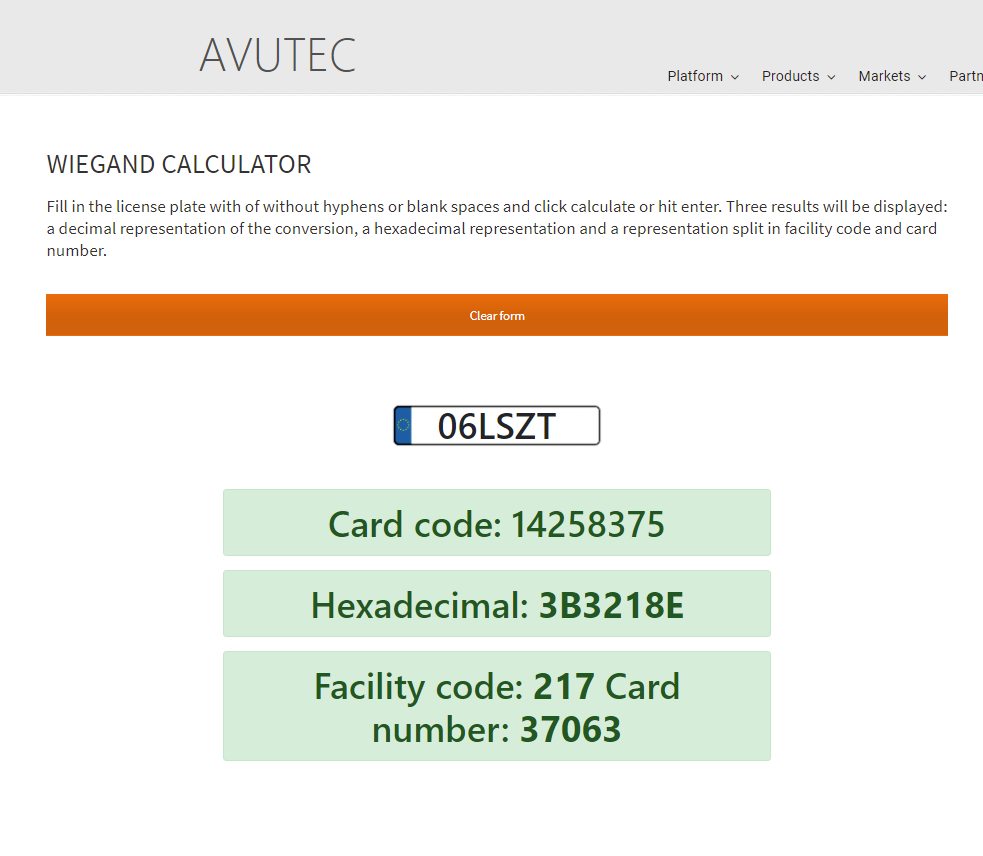
At our website the AVUTEC Wiegand calculator hashes license plate to Wiegand signal.
Fill in the license plate with of without hyphens or blank spaces and click calculate or hit enter. Three results will be displayed: a decimal representation of the conversion, a hexadecimal representation and a representation split in facility code and card number. |