PoE+ (IEEE 802.3at) and Cat5E UTP Cable
The Gatekeeper is powered using PoE+ (IEEE 802.3at).
A Cat5E UTP Cable or higher is required, with a maximum length of 50 meters.
Tools
To fasten the back panel a 2.5 hex key is needed.
Connecting |
|
|
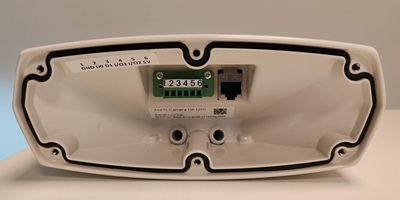
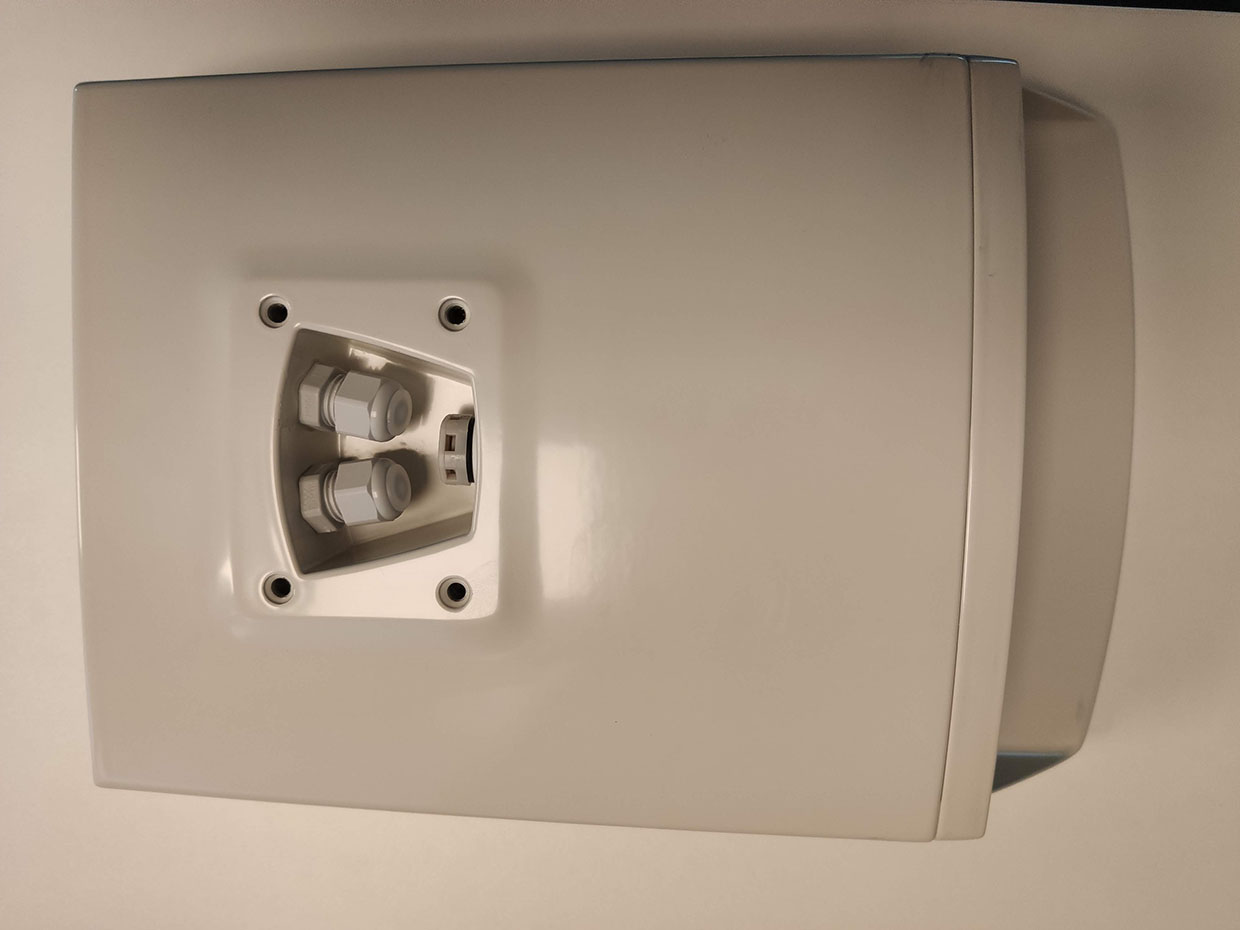
1.At the bottom of the Gatekeeper unscrew the bolt of the cable gland and pass the network cable through until there is enough length at the back to attach the RJ-45 connector and plug it in. 2.If needed, repeat the process for the I/O connector. 3.Feed the excess cable back through the cable gland without putting too much pressure on the cables. 4.Make sure there is enough cable fed through the mount before continuing to install the camera. 5.Close the cable glands at the bottom and close the back panel. Do not forget to write down the GUID number. This number can be found on the sticker in the junction box. 6.Attach the camera to the mount. 7.Connect the UTP cable to a PoE+ 802.3at switch, if connecting multiple Gatekeepers be sure that the PoE budget is sufficient, to calculate this, |
IO pins and POE+ connector in the junction box |
|||||||||||||||
|
IO pins can be tested with CortexClient. |