Deprecated:
Used until model Gatekeeper-X
From Gatekeeper model X2 and X3 see ULLAxon
The VideoSourceAxon is the Axon that controls the settings of the onboard color camera.
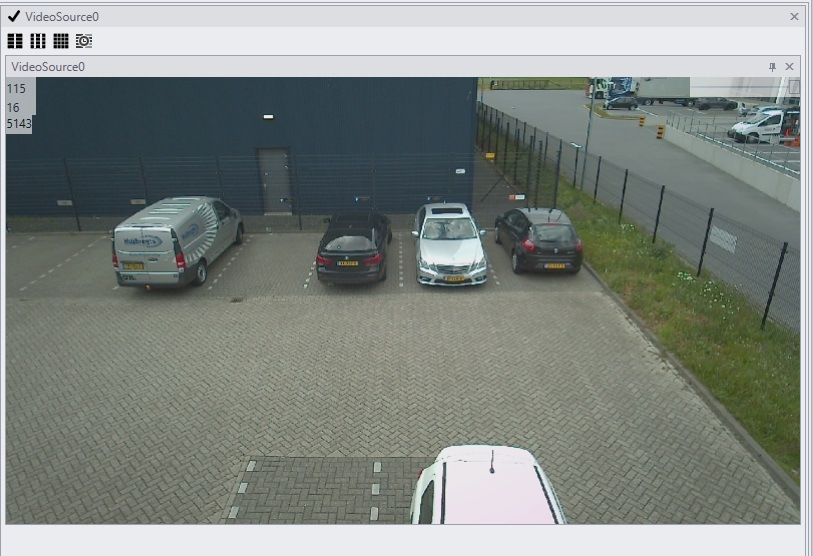
Changes are set in the VideoSourceAxon settingspanel. In CortexClient the live view of the sensor is displayed in its viewpanel.
The VideoSourceAxon controls the settings of the sensor, that is used for overview, additional deep learning tasks or as a second feed to ANPR.
To read more about viewpanels follow this link an their possibilities.
Settingspanel VideoSourceAxon |
|
|
The default settings of the VideoSourceAxon. The settings of the VideoSourceAxon are predefined and will work well in the majority of projects. To change the settings of this Axon it is best to contact AVUTEC support.
|
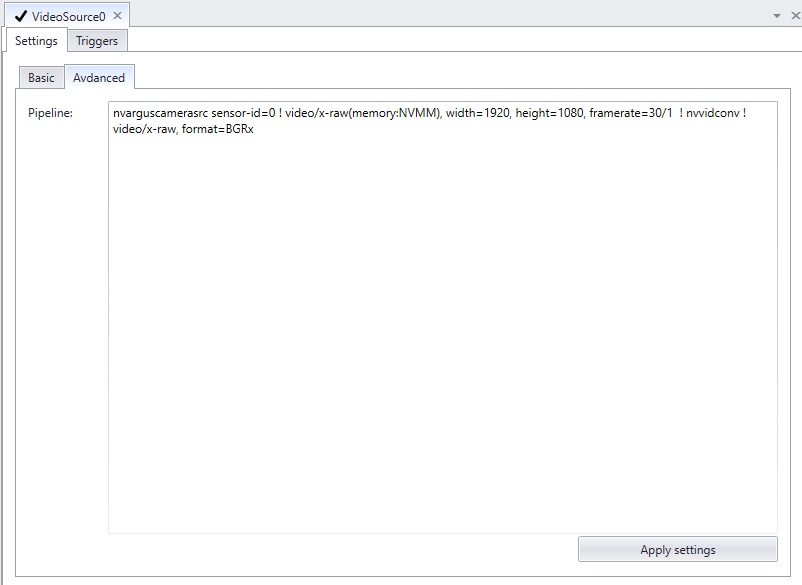
Triggers tab of the VideoSourceAxon |
|
|
Like all Axons, the VideoSourceAxon can perform custom actions on preconditioned events. In the triggers tab the conditions and the actions can be defined. |
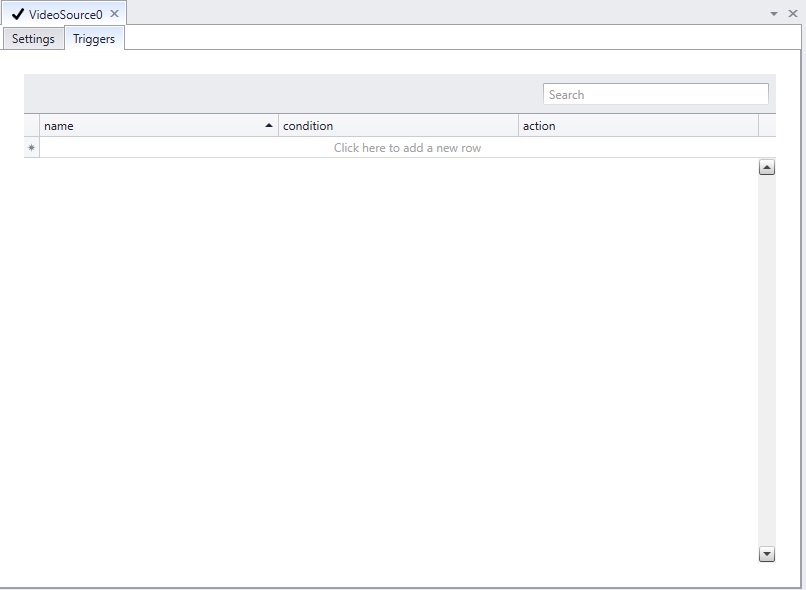
Viewpanel of the VideoSourceAxon |
|
|
The live view of the VideoSourceAxon is displayed in its viewpanel.
In the right top corner the slide can be moved to adjust the view quality of the image. This does not change the camera settings. |