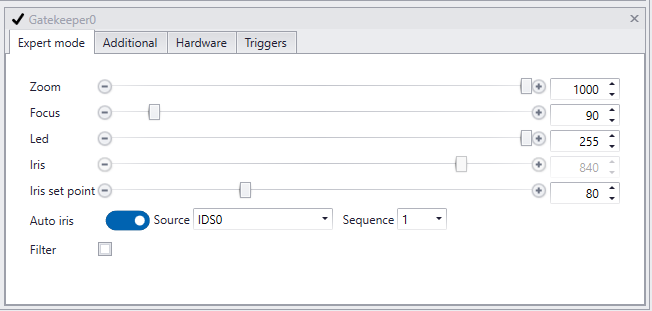
All Axons have their own settingspanel. Their settings are different for each Axon (overview of Axons).
A settingspanel displays the settings that can be adjusted per Axon. The corresponding viewpanel show this changes real time.
|
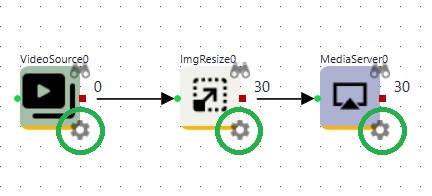
.The settingspanel of an Axon can be accessed by clicking the settings icon of the Axon in CortexDesigner. |
An example of a settingspanel: |
|
|
The example on the left shows part of the settingspanel of the GatekeeperAxon.
All settingspanels are covered in detail in per Axon in the subchapters of Axons.
|