Testing and troubleshouting the IO extender
When an installation is not working correctly, the I/O extender can be tested.
•Open CortexClient:
username: administrator
password: cortex
•Log into your camera:
username: administrator
password: cortex
•Double click the running Cortex: The default settings (CortexView) will open.
•When the Cortex is not running. Right click the Cortex and choose run first.
•The settings can be configured in the GatekeeperAxon (Default name of the panel is Gatekeeper0).
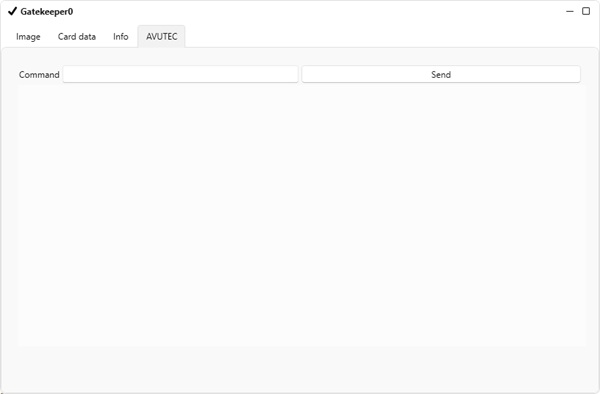
Choose the "AVUTEC" tab.
•In the settings the field "command" can be used.
In this field the command "test io" can be entered.
After clicking send, the Gatekeeper will, one by one, put a voltage on the pins, that can be measured.
Without extender it will set the pins to 3.3 volt.
With IO extender it will set the pins to 5 volt.