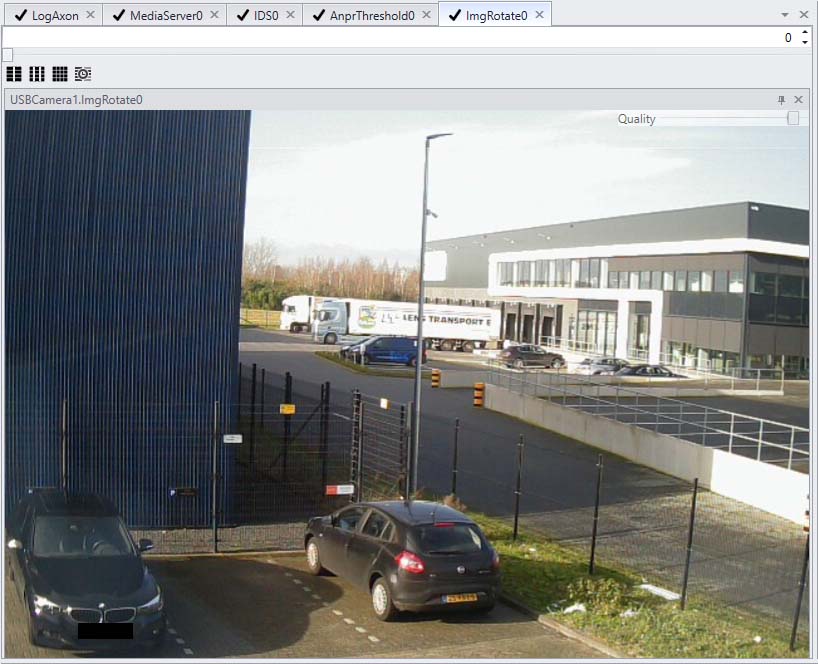
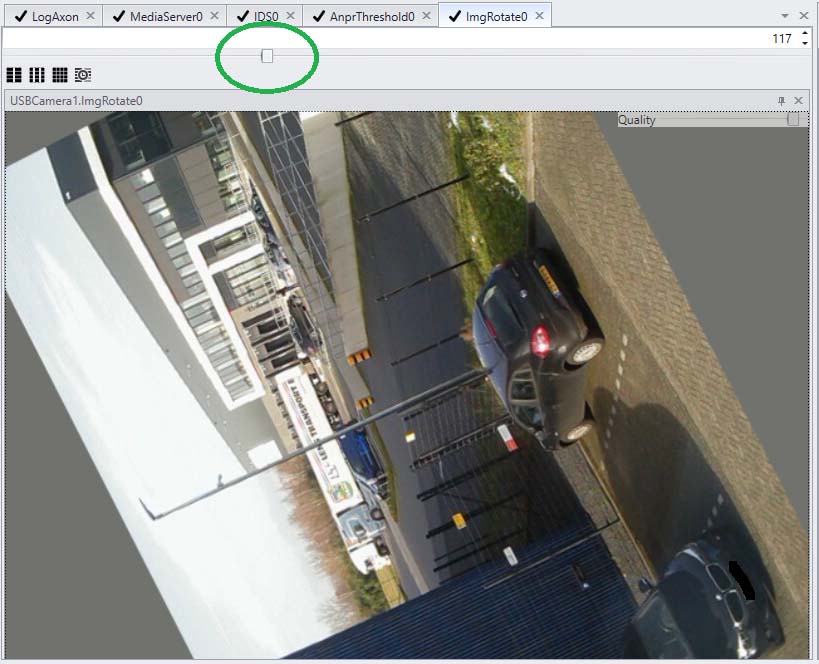
Axon responsible to rotate an image.
This axon does not change any of the settings of the sensors. To change the settings of the sensors read IDSAxon or USBCameraAxon
In CortexClient the images received by the ImgRotateAxon are displayed in the view panel. Depending on the position of the ImgRotateAxon the source of the images can be different.
Settings and view panel in one |
|
Use the slider Rotate the image by dragging the slider from 0-360 degrees. Use the slider to set the desired rotation
Type a value Click the field and type the desired rotation degrees. Use the arrows up and down to change the degrees.
|
|
Original image |
Rotated image |
|
|