Axon responsible to set the resolution of an image.
With resizing, the whole image stays intact, just making it smaller (decreasing both the resolution and the file size) or larger.
Keep in mind that up-sizing an image stretches the pixels by inch deteriorating the quality of the image.
Resizing works best when reducing the size of the photo to fit a certain dimension or decreasing the file size.
In CortexClient the images received by the ImgResizeAxon are displayed in the viewpanel. Depending on the position of the ImgResizeAxon the source of the images can be different.
ImgResizeAxon does not change the hardware settings of sensors or lenses.
Settings and view panel in one |
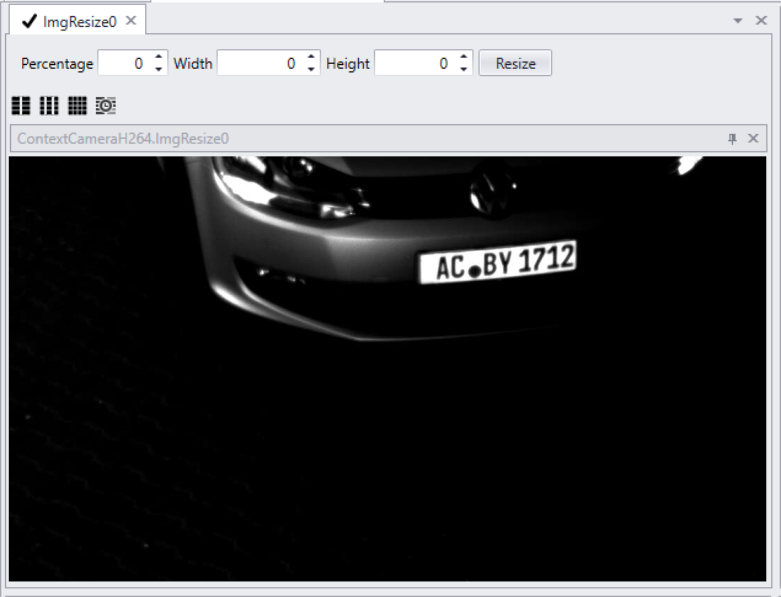
Setting |
Description |
Percentage |
Change the resolution of the image by percentage. |
Width |
Set the desired width for the image Percentage has to be 0 when changing the width. If not the value filled in at percentage will override the width/height values. |
Height |
Set the desired height for the image Percentage has to be 0 when changing the height. If not the value filled in at percentage will override the width/height values. |
Resize |
Save the settings |
