Troubleshooting will always start with examining the logs. |
|
|
1.Hypervisor log 2.Hypervisor.error.log 3.Gatekeeper log 4.Gatekeeper.error.log |
|
|
|
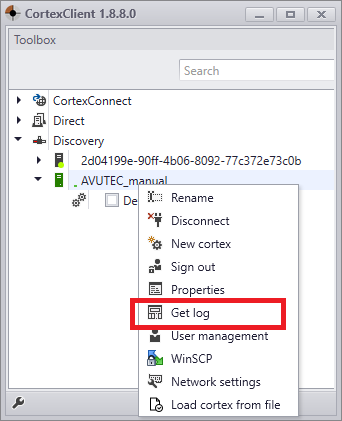
Right click the Hypervisor (in this case AVUTEC_manual) and choose "Get log" to open the hypervisor.log and the hypervisor.error.log. Right click the Cortex and choose "Get log" to open the gatekeeper.log and the gatekeeper.error.log.
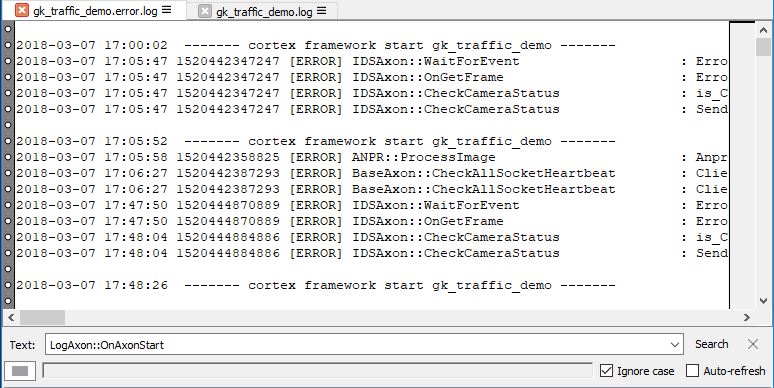
Advised is to use a program like glogg or notepad++
To find the relevant error/message scroll through the text or use the search option for the date and time the error occurred. Filtering on Axon name selects the messages for that particular Axon.
|