Check 1: Refresh |
|
|
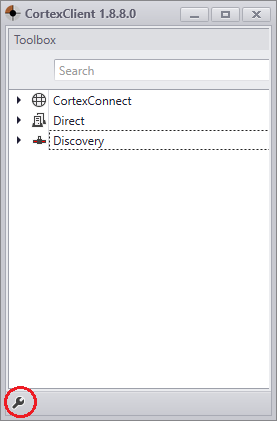
Right click discovery and choose "refresh". |
Check 2: Check router or switch |
The Gatekeeper is powered using PoE+(IEEE802.3at) Is the router/switch a PoE+ IEEE802.3at device? |
Check 3: Are CortexClient and the Gatekeeper in the same network? |
Make sure the Gatekeeper and CortexClient are connected to the same network. If necessary connect a laptop to the same router/switch as the Gatekeeper. |
Check 4: Networkcable |
A Cat5E UTP Cable or higher is required, with a maximum length of 50 meters. Changing the network cable can be a good choice. Often connectors are crimped manually on the spot. A self crimped connector can be crimped wrongly. |
