Default Axon in a Gatekeeper starting from model Gatekeeper-X4.
In models before Gatekeeper-X3, the IDSAxon is used.
In the Gatekeeper-X3, the IDSPeakAxon is used.
Default in the Module-X3
The IRXAxon is the Axon that controls the settings of the IR sensor used for license plate recognition.
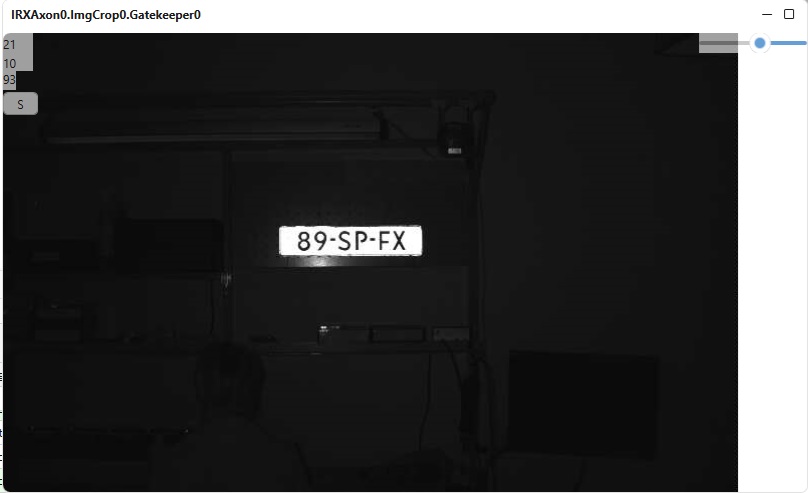
Changes are set in the IRXAxon settingspanel. In CortexClient the live view of the IR camera is displayed in the viewpanel of the GatekeeperAxon.
Cropping of the images of the IRXAxon is done with the ImgCropAxon
1. Settingspanel of IRXAxon |
View of the IR sensor in the GatekeeperAxon |
|
|
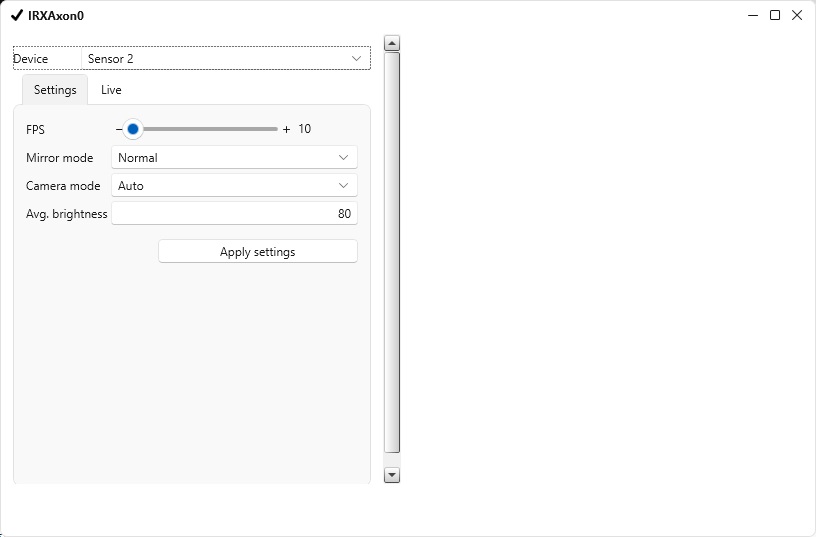
Setting |
Description |
FPS |
Current frames per second |
Mirror mode |
Normal, mirror, v-flip, mirror and v-flip(rotate 180 degrees) |
Camera mode |
Manual or auto (recommended presets) |
Exposure |
Exposure time is the amount of time the shutter is open to capture an image, the higher the exposure time, the more blur or distortion can occur. If lighting conditions allow for it, keeping the exposure time lower has preference for the best focus. Values between 0 -3000 |
Gain |
Gain is a setting that controls the amplification of the signal from the camera sensor. It should be noted that this amplifies the whole signal, including any associated background noise. In general, gain should be used only after optimizing the exposure setting, and then only after exposure time is set to its maximum for a given frame rate. Values between 0 -500 |
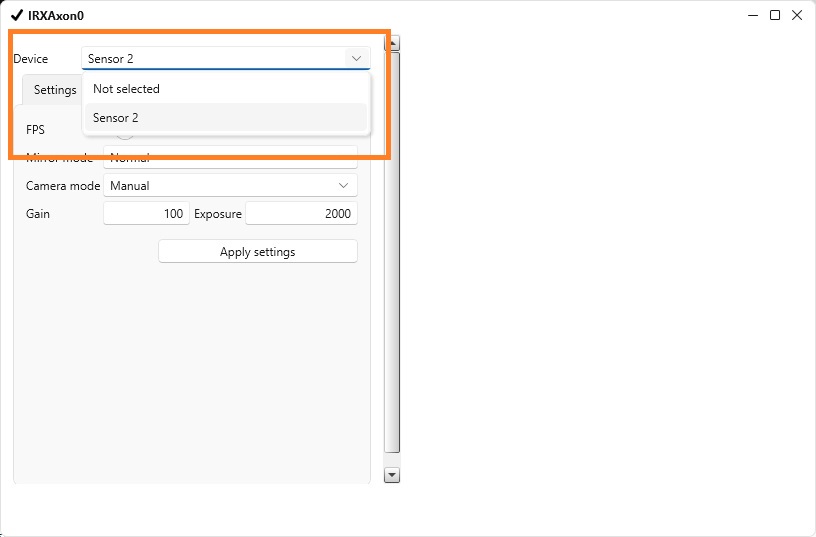
1. Selecting the camera |
|
|
Select the camera by clicking the dropdown menu, which will display a list of available cameras. In this instance, choose Sensor 2 by clicking on it, then click "Apply settings"
If the IRXAxon view is not visible in the GatekeeperAxon, ensure that the correct camera is selected. |