This part of the manual offers a guide to commission a Module-X.
After mounting and connecting the Module-X to Ethernet, it can be remotely configured using CortexClient.
If the PoE+ 802.3at switch does not provide for an open internet connection, make sure you are using CortexClient from within the network domain of the user, or use a (pre-tested) VPN tunnel connection.
Important! In following chapters the Module-X is referred to as CortexDevice.
Installing CortexClient |
CortexClient can be downloaded: •Download link: avutec.com/support/ •Password: Avutec!
Install CortexClient using the default settings. Check mark launch CortexClient and after installation the application will automatically start showing the login screen. •username: administrator •password: cortex
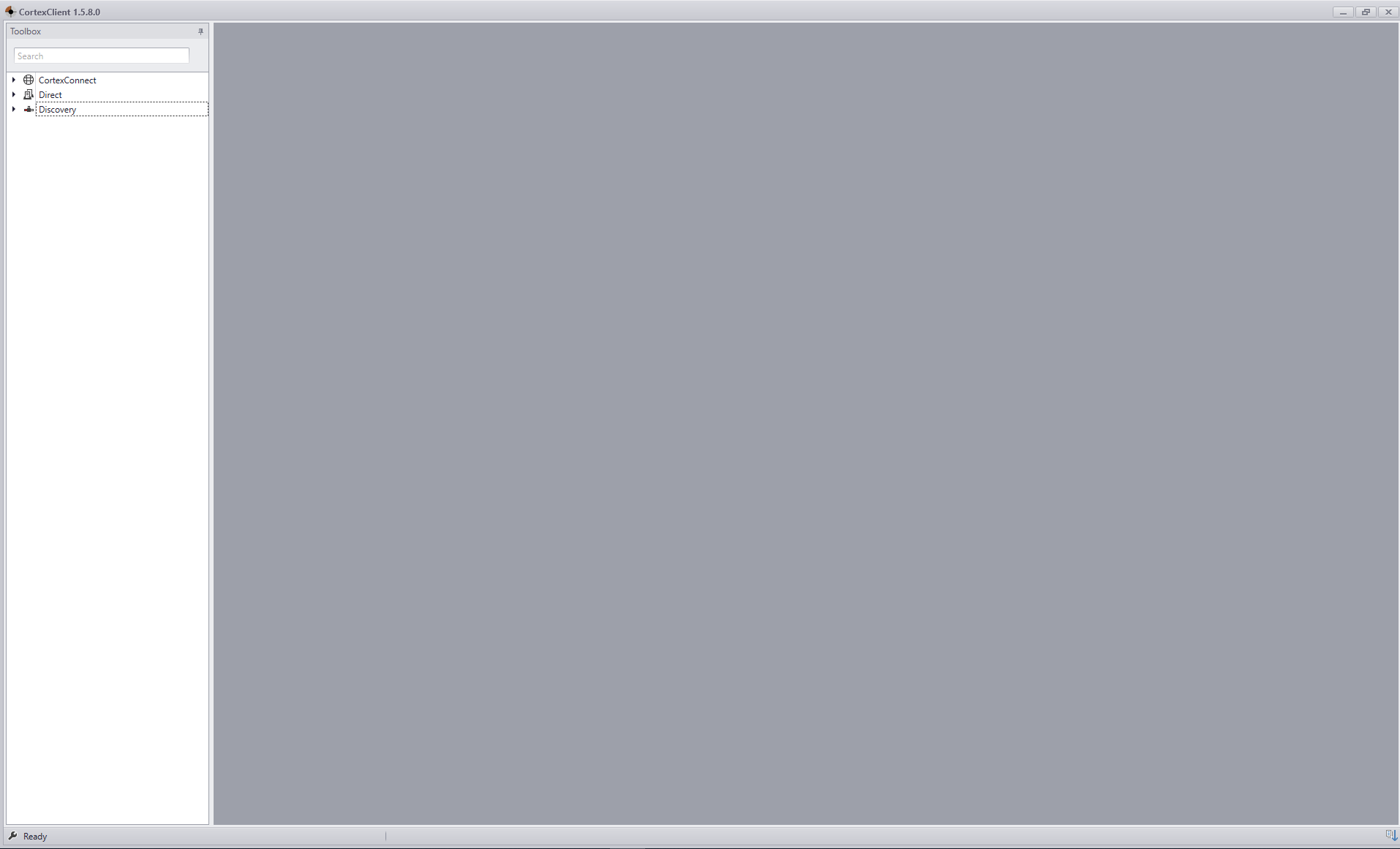
After login, the Client screen will be displayed, with on the left side the CortexNavigator containing the different methods of connecting that are possible. -CortexConnect -Direct -Discovery |
Startup page CortexClient |