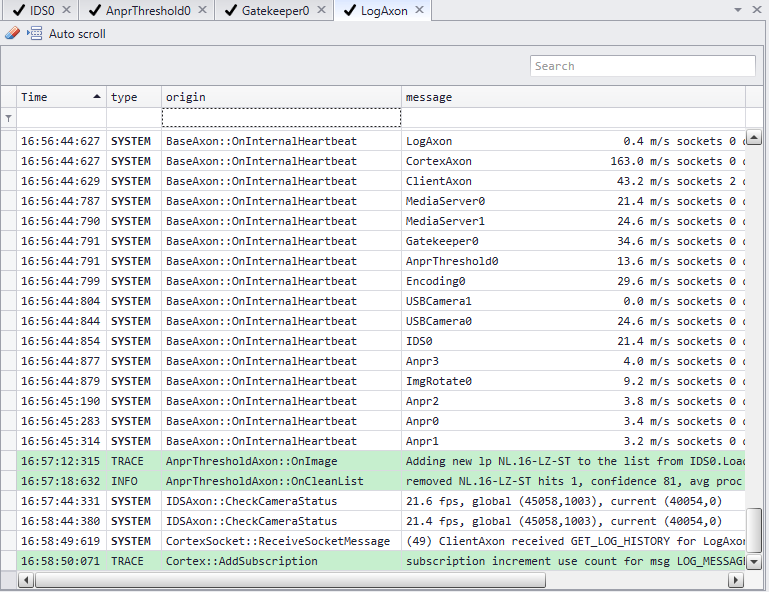
In CortexView the LogAxon will display a selection of the total log. Basic operations and error messages can be found here.
1.Functionality
In the left corner an icon of an eraser clears the log after clicking
The search bar provides for easy finding log messages or filtering the log for message including the search input.
The display of the log can be modified by right clicking the column names; a popup window will show all the options available.
2.Extended logging
For extended logging about the cortex right click the name of the cortex and choose get log.
For extended logging about the hypervisor right click the name of the CortexDevice/hypervisor in CortexNavigator and choose get log.
see Cortex navigator
Tip: Use glogg to open the logs.
|